PanLuma
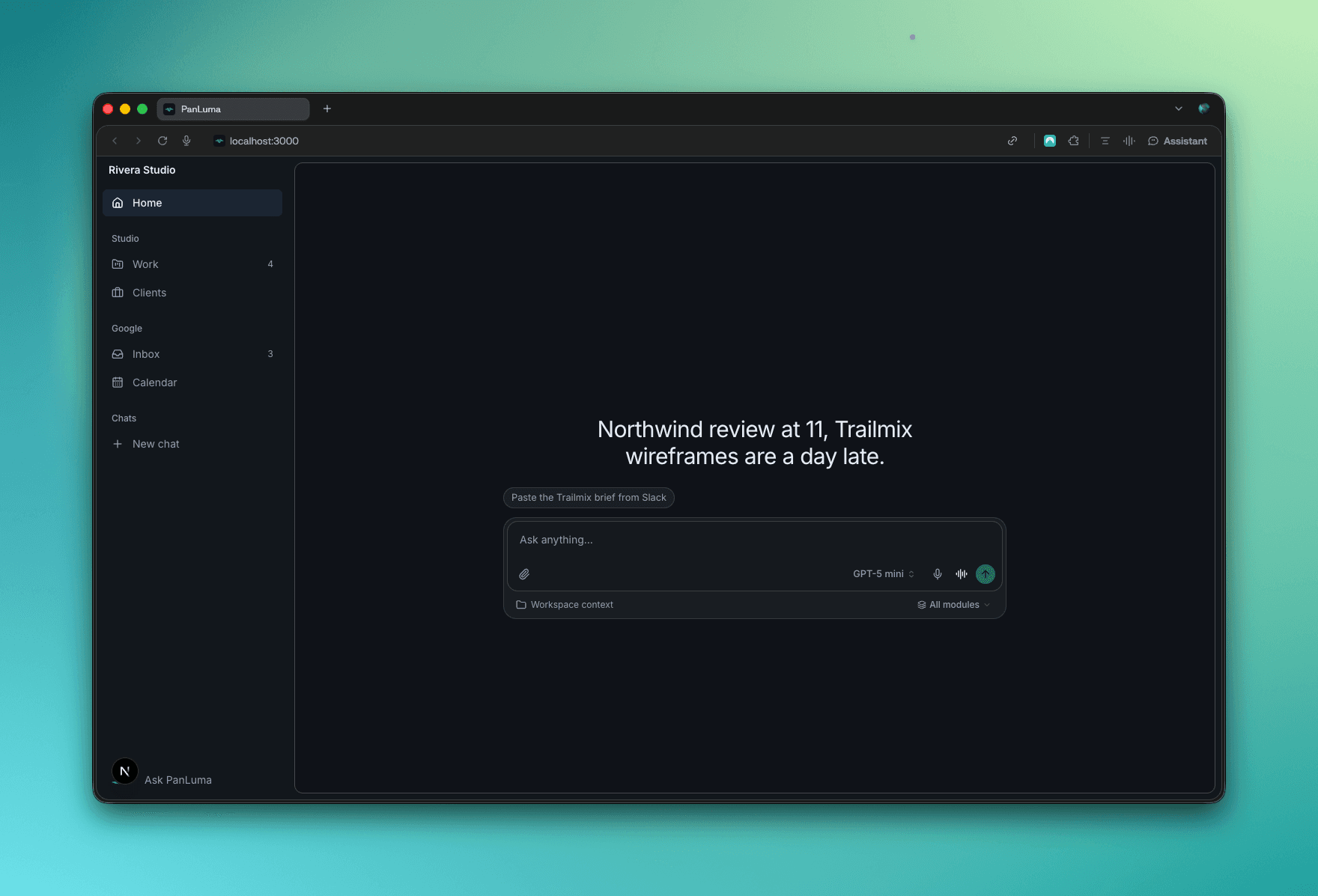
Two ways to delegate to an agent, chat and voice. In both, the agent works on the page in front of you, so you can see, stop and steer it.
Context
PanLuma brings projects, CRM, finance and operations into one agentic app. The question: what does business software look like when an agent is the primary interface?
The user is “Solo Sam”, founder of a 1 to 50 person software agency juggling delivery, clients and finance across disconnected tools. I owned product strategy, IA and agent interaction design, prototyping directly in code.
The first prompt was generic: the agent knew nothing about Sam or the business. A one-minute onboarding fixed that (LinkedIn, company context, connected tools, imported data), so the home now opens on Sam’s day.
Delegating without losing sight
Hand work to an agent, especially by voice, and you lose sight of it. It says “on it” and the work happens somewhere you can’t see.
Both patterns share one principle: the agent works in your interface, where you can watch it. They run the same flow:
- Import the project from Slack.Sam pastes the brief or says “set up the Trailmix launch”. The agent checks team load and proposes six tasks with owners and estimates.
- Create the project and tasks. After approval, the agent takes over the Work page: a glowing border, a status bar, rows filling in one by one.
- Modify.“Maya needs more time on the wireframes.” The agent highlights the cell and moves the date, checking nothing downstream slips.
- Update the client.It drafts the reply in Priya’s Inbox thread. Nothing is sent without approval of the exact text.
Take back returns the page to Sam at any step.
Chat
The handover is an approval card: “I’ll take over the Work page to create the project and its 6 tasks. You can take it back at any time.” Then the conversation moves to a side panel, listing each step as it runs. Owners and estimates land marked Suggested, so Sam knows what to check.
Voice
Voice has nothing to read, so every tool call appears as an action beside the live transcript, with its status.
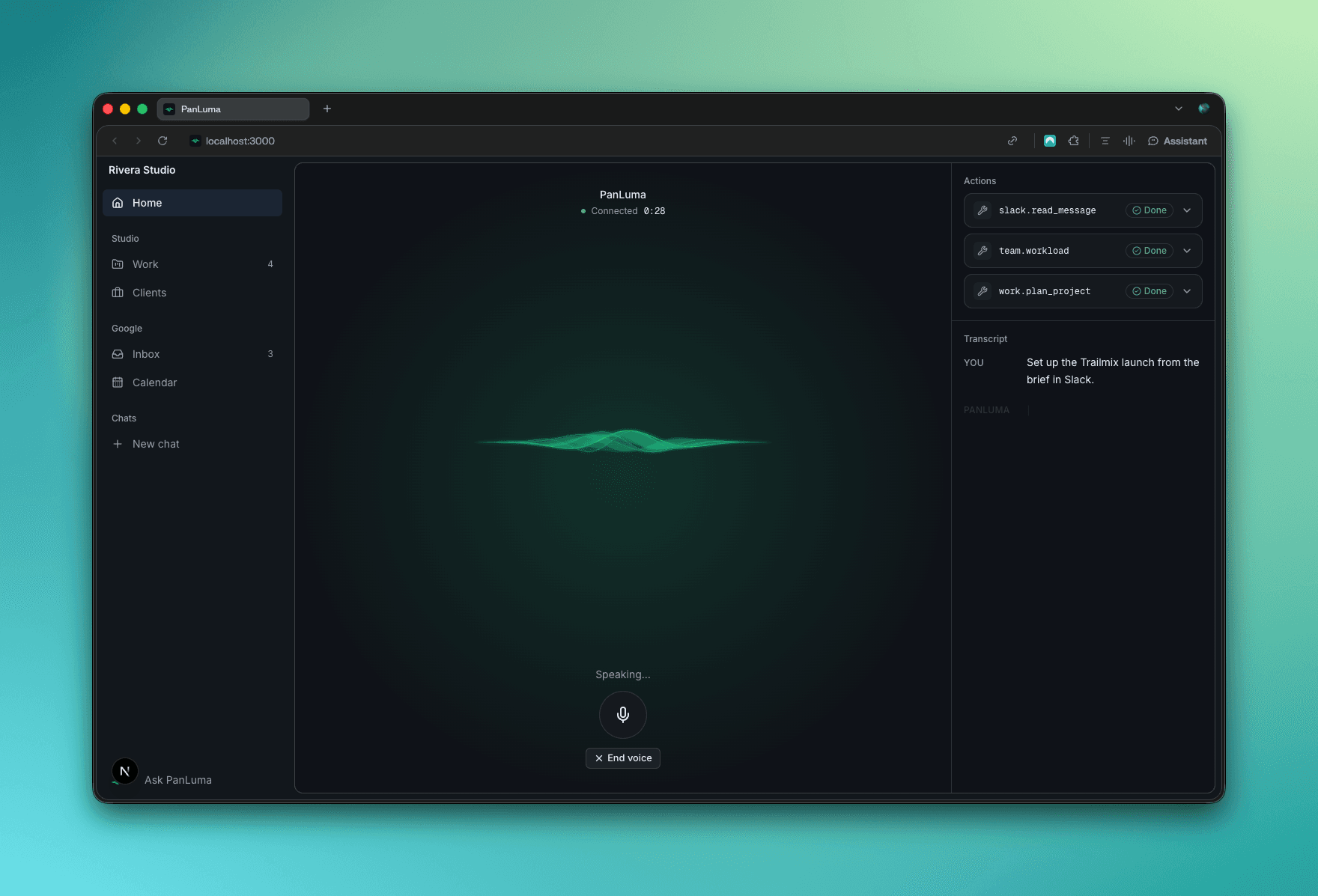
When the agent takes over a page, voice shrinks into the side panel. Sam approves by saying “send it” or with a tap. When the session ends, the transcript and its tool calls move into the chat: one record across voice and text.
Making the agent’s work legible
Visibility doesn’t limit autonomy. You delegate more when you can see what the agent did, is doing and will do next.
- Active row and field states show exactly where the agent is working.
- Suggested vs pending values separate AI guesses from data still to come.
- Stable layouts keep the page from shifting while the agent writes into it.
- Separate task and agent statuses avoid confusing AI activity with task progress.
- Reduced-motion support keeps every state readable without the animated border.